
In this article, we’ll teach you how to export learners’ results. When your learners complete their courses, their results are automatically recorded for you to review. Your data is yours, so you can freely export it.
How to export learners’ course results
To export learners’ results:
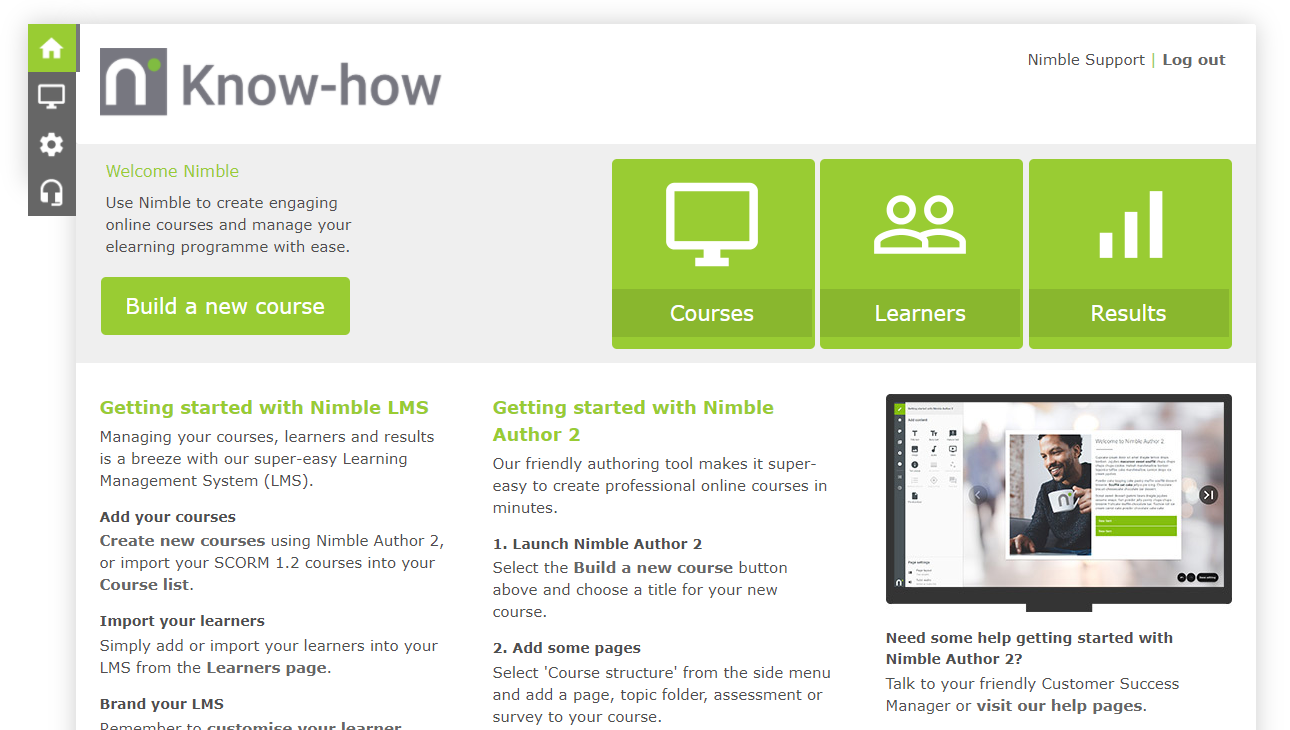
- From the LMS home page, click the Results button.
Exporting Everyone’s Results
To export results for all your learners:
- Click the
 button. Your results will be downloaded in CSV format.
Exporting specific results
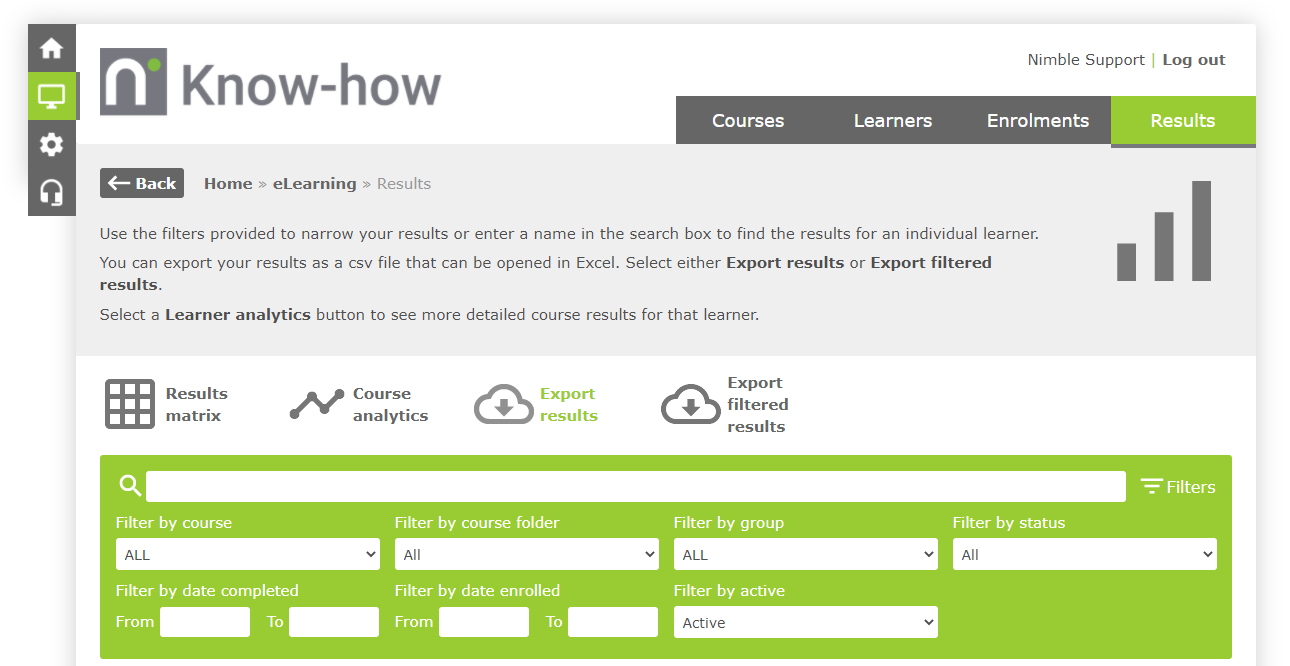
To export results for specific learners:
- Use the filters to narrow the results to the learners that you need.
- Click the
 button. Your results will be downloaded in CSV format.
Comments
0 comments
Article is closed for comments.