
Sometimes things change and you may decide that the original name you used to set up and open your account, is no longer appropriate - for example, your company name has changed or you've rebranded.
You can change your existing .elearning247.com or .nimble-elearning.com address to a different one.
Here is an example of an existing account name: knowhow.nimble-elearning.com:
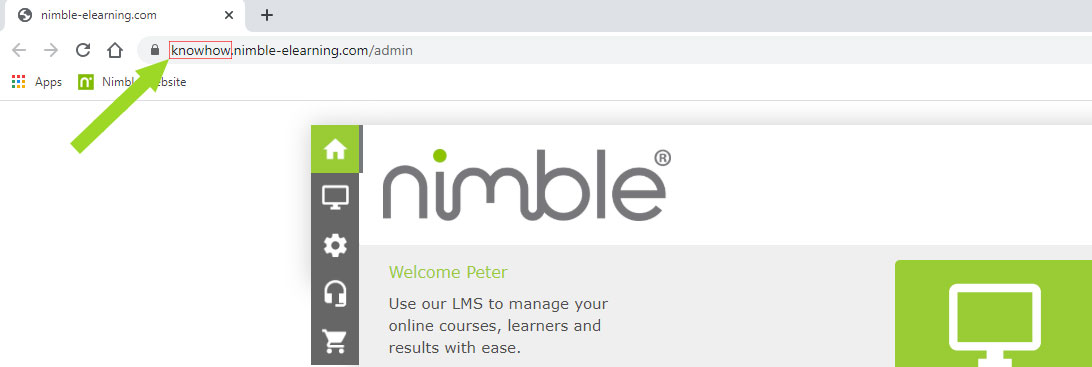
Perhaps you'd like to change it to: knowhow-training.nimble-elearning.com.
If you're an existing Nimble customer with an annual licence or Pay As You Go account, we can change this for you. Just send a request to: support@nimble-elearning.com with the following information:
- Your current account URL.
- The account URL you'd like to use (please note this must be a .elearning247.com or .nimble-elearning.com address that is currently available)
- Whether your old account URL should also be redirected to your new account URL.
We'll then schedule this with our development team and notify you once complete.
Please note: if you already have existing learners on the account, you may wish to consider how this name change could affect them: They'll need to access your site via the new URL and update any bookmarks they might have.
Are you on an annual licence? You have the option to use a bespoke URL if required - please see here for more information.
Comments
0 comments
Article is closed for comments.