
Open access courses can be accessed by anybody that has access to the hyperlink to the course.
Important note: Open access courses cannot be created on trial or pay as you go accounts.
You might want to create an open access course to market a demonstration version of a course that you’re making, or to provide access to your course to a subject matter expert for proof reading.
Important note: Open access courses are chargeable and because of the way that they work, you should contact your customer success manager before beginning to use this feature.
Setting a course as open access
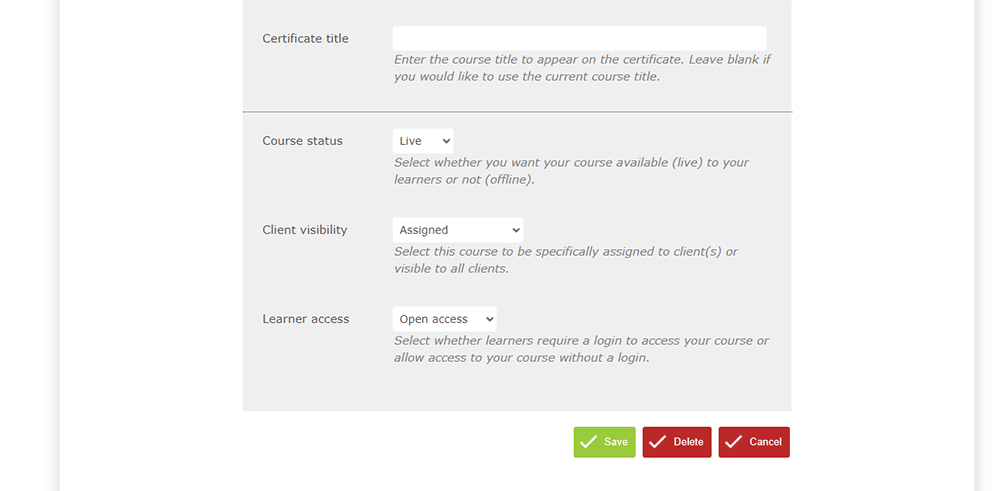
You set as course as open access via the course settings page. To access the course settings page:
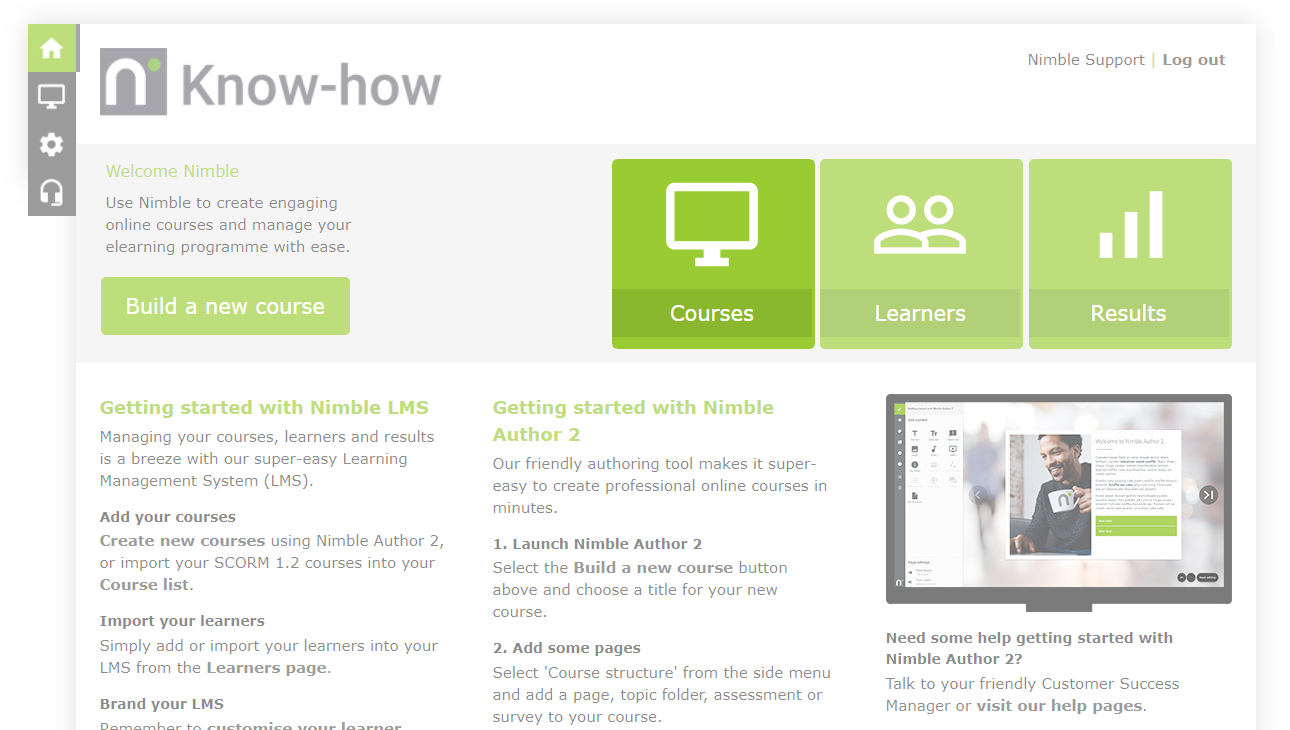
- From the Nimble LMS home screen, click the Courses button.
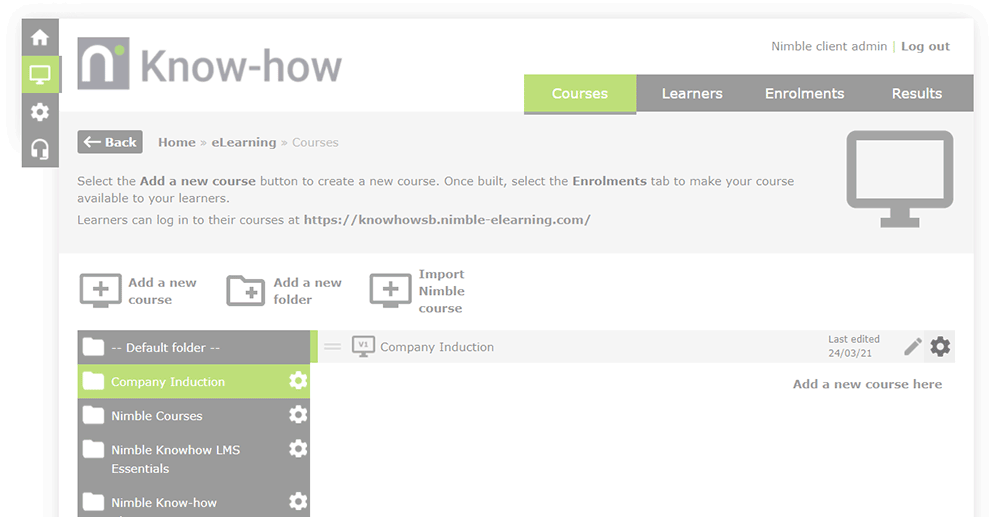
- Locate the course you’d like to access the settings for and click the
 button.
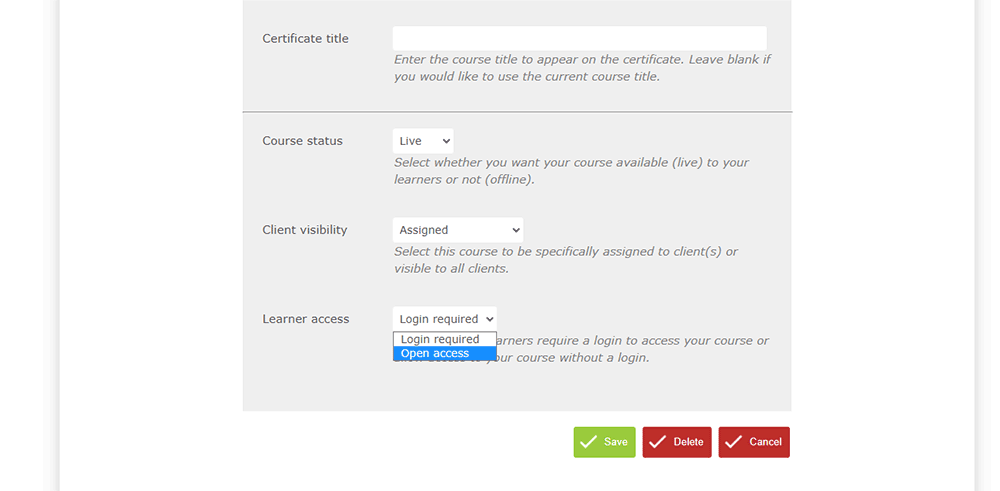
- Click the Learner access field and select:
- Login required – You’ll enrol your learners onto the course just like usual (the default for any course that you create with Nimble).
- Open access – Your course will be accessible to anybody with the link to it.
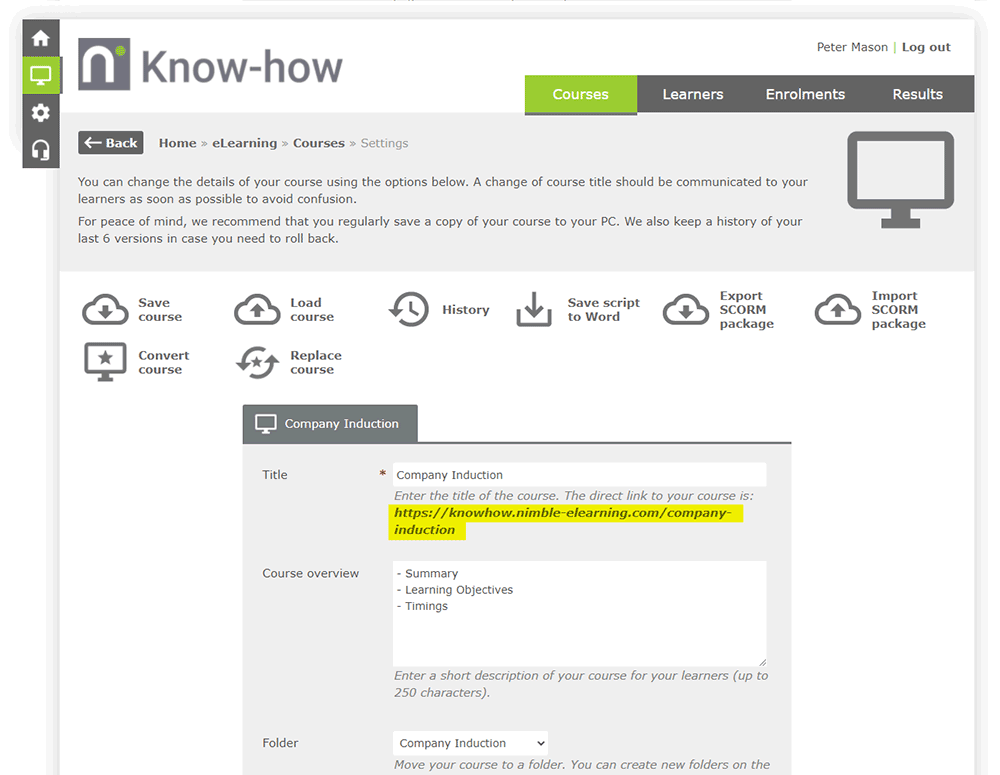
- To find the URL for your open access course, just look beneath the Title field at the top of the page.
- Save your changes by clicking the
 button at the bottom of the page.
Comments
0 comments
Article is closed for comments.